


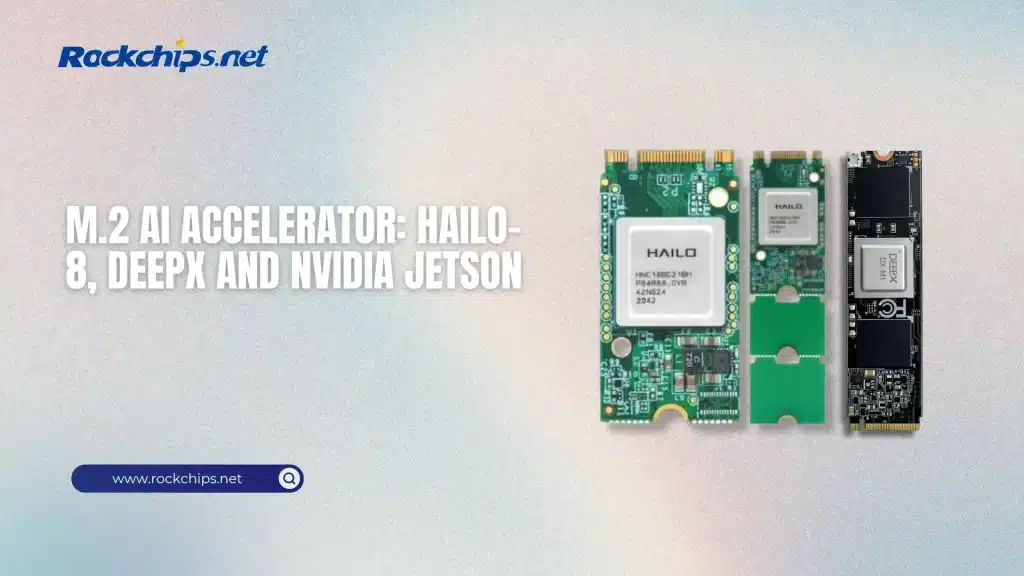
If you open a modern laptop or mini PC, you will often find a small slot called M.2. It was first used for storage drives, but now something new is happening. People are putting AI chips into that same slot. This is where the idea of an m.2 ai accelerator comes from. It is a small card, about the size of a stick of gum, that adds extra power for artificial intelligence tasks.
In simple terms, an m.2 ai accelerator is a tiny device that helps your computer think faster when it comes to AI. It does not replace your CPU or GPU. It works alongside them. It takes care of specific tasks like recognizing images, processing video, or running neural networks. Instead of using your main processor for everything, the system sends AI work to this small card.
This idea is becoming more popular because AI is everywhere now. Cameras detect faces. Apps translate languages. Devices listen to voice commands. All of this requires fast calculations. A normal processor can do it, but it may be slower or use more power. That is where an m.2 ai accelerator makes a difference.
- What an M.2 AI Accelerator Actually Does
- Why M.2 Format Is Important
- Common Chips Used in M.2 AI Accelerators
- Comparison Table of Popular M.2 AI Accelerators
- Where M.2 AI Accelerators Are Used
- Benefits of Using an M.2 AI Accelerator
- Limitations You Should Know
- How It Fits Into Modern AI Systems
- Conclusion
- FAQ
- Sources
What an M.2 AI Accelerator Actually Does
Think of your computer as a team. The CPU is the manager. It handles many different tasks. The GPU is like a worker that is very good at doing many calculations at once. Now the m.2 ai accelerator is like a specialist. It only focuses on AI tasks, but it does them very well.
When you run an AI model, like object detection in a video, the system sends that work to the accelerator. The card has its own processor, often called an NPU, which stands for Neural Processing Unit. This NPU is built for math used in neural networks. It can process many small operations at the same time.
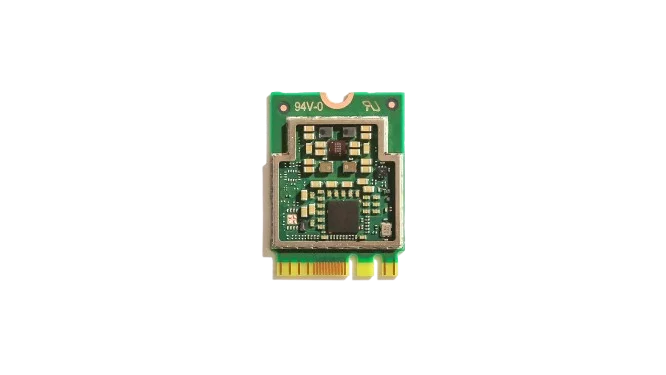
For example, if you have a security camera system, the video stream can go directly to the m.2 ai accelerator. The card can detect people, cars, or animals in real time. This means your main CPU is free for other tasks. It also means lower power use, which is important for small devices.
Another example is voice recognition. When you speak to a device, the audio data can be processed locally. The m.2 ai accelerator can convert speech to text without sending data to the cloud, similar to how a dedicated AI coprocessor like Rockchip RK1820 handles on-device inference. This is faster and also better for privacy.
Why M.2 Format Is Important
The M.2 slot is already common in many devices. It is used for SSD storage, Wi-Fi cards, and now AI accelerators. This makes it easy to upgrade a system. You do not need a big graphics card or extra cables. You just insert the m.2 ai accelerator into the slot.
The size is small, which helps for compact devices. Think about mini PCs, industrial computers, or edge AI smart-boxes. These systems often do not have space for large hardware. An M.2 card fits easily.
Power use is also lower compared to large GPUs. Many m.2 ai accelerator cards run at just a few watts. This means less heat and simpler cooling. Some can even run without a fan.
Common Chips Used in M.2 AI Accelerators
Different companies make these small AI chips. Some are designed for general AI tasks, while others focus on specific use cases. One well-known example is the Google Coral Edge TPU. It is designed for fast inference at low power. It is often used in edge devices like cameras and smart systems.
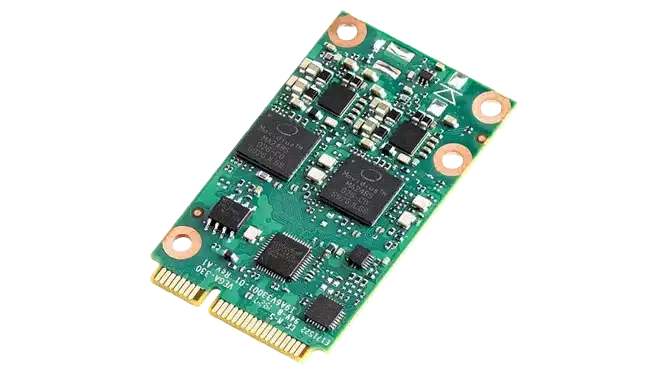
Another example is the Intel Movidius Myriad X. This chip is good at computer vision tasks. It is used in robotics and smart cameras.
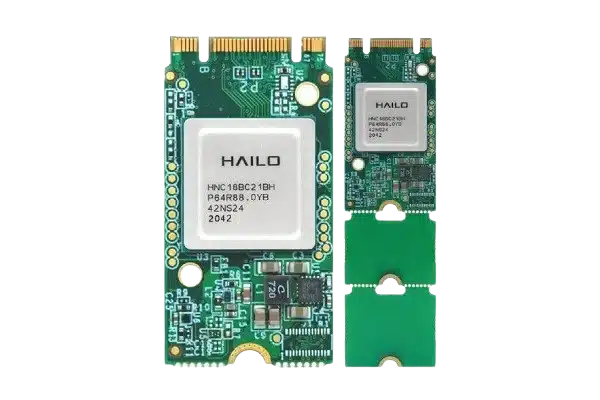
There are also newer solutions from companies like Hailo, which focus on high performance in a small form factor. These chips can handle more complex models while still using low power. Each of these chips supports different frameworks. Some work well with TensorFlow. Others support ONNX or PyTorch models after conversion. This matters when you choose a device.
Comparison Table of Popular M.2 AI Accelerators
This table gives a rough idea of how these devices compare. The numbers are not exact for every model, but they help you understand the scale.
By the way, you can also read the article about DeepX DX-M1/DX-M1M.
Where M.2 AI Accelerators Are Used
These devices are often used in what people call edge AI. This means running AI close to where the data is created. Instead of sending data to the cloud, the processing happens on the device.
One common use is in smart cameras. A camera with an m.2 ai accelerator can detect motion, recognize faces, or count people. It does all of this in real time.
Another use is in retail systems. Stores use cameras to track customer movement or detect empty shelves. The AI runs locally, which reduces delay.
Factories also use these devices. Machines can monitor products on a line and detect defects. The system can react instantly without waiting for a remote server.
In personal devices, you may see this in mini PCs or AI boxes. Developers use them to test AI models. Hobby users also experiment with projects like smart home systems.
Benefits of Using an M.2 AI Accelerator
One of the main benefits is speed for AI tasks. The m.2 ai accelerator is built for neural networks, so it can process them faster than a general CPU.
Another benefit is lower power use. This is important for devices that run all day, like cameras or sensors.
Privacy is also a key point. Since data can be processed locally, you do not need to send everything to the cloud. This reduces the risk of data leaks.
There is also flexibility. You can upgrade your system by adding or replacing the M.2 card. This is easier than changing the whole device.
Limitations You Should Know
Even though these devices are useful, they are not perfect. An m.2 ai accelerator is usually designed for inference, not training. This means it can run AI models, but it cannot easily create new ones.
Compatibility can also be an issue. Not every model works on every chip. Sometimes you need to convert the model to a specific format.
Performance is lower than large GPUs. If you need very heavy AI workloads, like training big models, a GPU is still better.
Also, the software setup can take time. You need drivers, SDKs, and tools. Some platforms are easier than others.
How It Fits Into Modern AI Systems
Today, many systems use a mix of hardware. The CPU handles general tasks. The GPU handles graphics and some AI. The m.2 ai accelerator handles specific AI workloads.
In devices based on chips like the Rockchip RK3588, you already have an NPU built in. But sometimes people still add an external m.2 ai accelerator for extra performance or flexibility.
This is especially useful in projects where multiple AI models run at the same time. One can run on the internal NPU, and another on the M.2 card.This is especially useful in projects where multiple AI models run at the same time. One can run on the internal NPU, and another on the M.2 card, which is a common architecture in modern edge AI for real-time analytics systems.
Conclusion
An m.2 ai accelerator is a small but powerful tool. It adds dedicated AI processing to a device without taking much space. It helps run AI tasks faster, uses less power, and keeps data local.
It is not a replacement for a GPU or CPU. It is a helper that focuses on one job and does it well. For edge AI, smart devices, and compact systems, it is a practical solution.
As AI becomes more common, these small accelerators will likely appear in more devices. They make it easier to bring AI closer to where data is created.
FAQ
It is a small card that you plug into an M.2 slot. It helps your computer run AI tasks faster.
Only if your system has an M.2 slot that supports it and the right software drivers.
Not really. It is different. It is better for small, efficient AI tasks. GPUs are better for heavy workloads.
No. Most m.2 ai accelerator devices can run AI locally without internet.
Usually no. These devices are made for running models, not training them.
Also, read more about Rockchips:
RK3399 vs Snapdragon 845: A Technical Comparison
RK3688 vs RK3668: Rockchip’s Next-Generation Chips
RK3566 vs RK3588: Key Differences & Performance
