


Buying a 4GB RAM SBC should be easy. Pick a budget, compare processors, and buy the fastest board that fits.
Then Raspberry Pi 5, Orange Pi 5, and KiwiPi 5 Pro make the decision awkward, especially when you consider the broader landscape of RK3588 boards in 2026.
Raspberry Pi 5 has the weakest hardware (at least on paper) and no NPU. Orange Pi 5 is faster and adds AI acceleration. KiwiPi 5 Pro exposes far more high-speed I/O… but 4GB seems strange on a board designed for serious edge systems.
The problem is, what are you actually buying: processor performance, an easy Linux computer, or a platform for a product?
Because the answer changes the winner.
Table of Contents
- Three 4GB boards, three different priorities
- Raspberry Pi 5 is slower – and still the safest recommendation
- Orange Pi 5 makes Raspberry Pi look underpowered
- KiwiPi 5 Pro makes 4GB look even stranger
- So, is 4GB still enough?
- Verdict
- FAQ
Three 4GB boards, three different priorities
Four gigabytes is enough for Home Assistant, Pi-hole, a small media server, and many single-purpose Linux systems. It is less comfortable for large databases, many containers, local models, or a desktop with too many browser tabs. That distinction matters more than the number beside the CPU.
Raspberry Pi 5 is slower – and still the safest recommendation
Raspberry Pi 5 loses the hardware comparison quickly. Its BCM2712 has four Cortex-A76 cores at 2.4GHz; both Rockchip alternatives add four Cortex-A55 efficiency cores, stronger graphics, and dedicated AI hardware. Fast storage also requires a PCIe HAT rather than fitting directly onto the standard board.
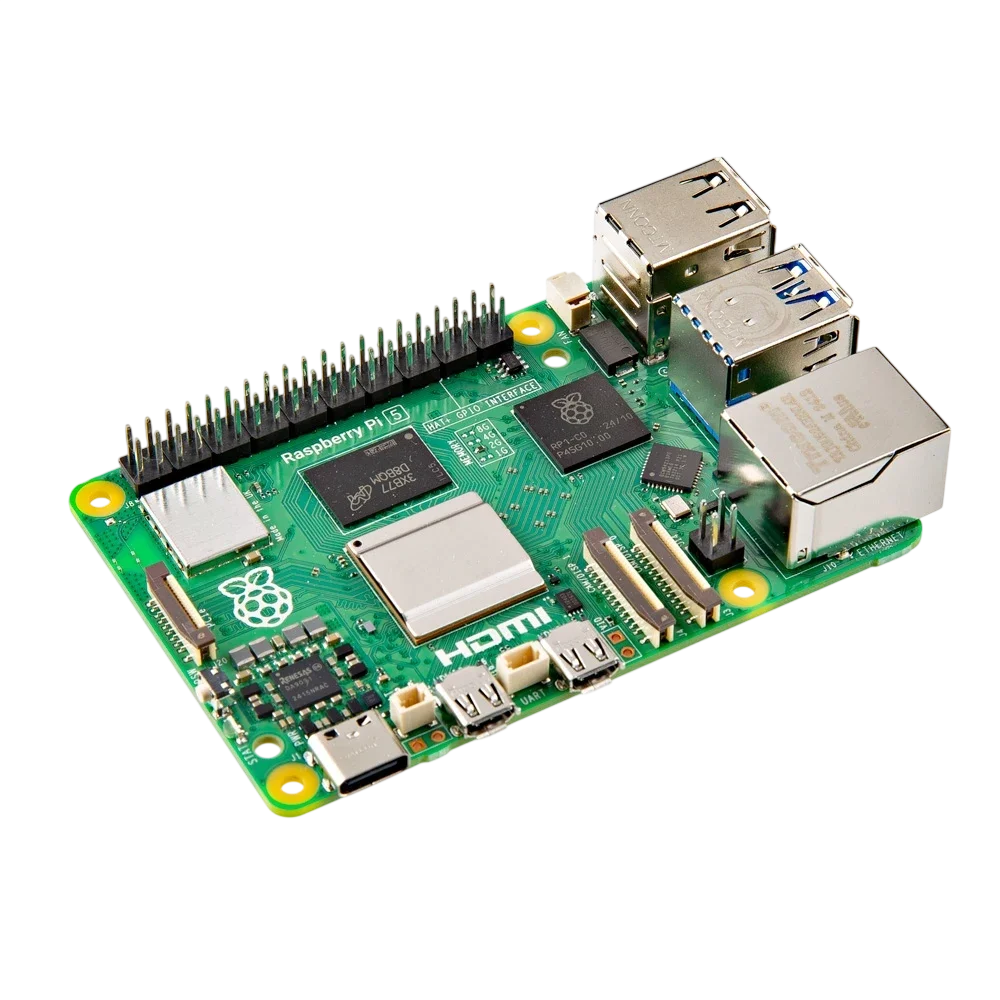
But this is the 4GB RAM SBC most people should buy first.
Raspberry Pi OS, accessories, documentation, and years of community answers remove friction everywhere. An obscure boot problem probably has a forum thread. Our comparison of Rock Pi and Raspberry Pi boards reaches the same uncomfortable point: stronger specifications do not automatically make an easier computer.
The value is less convincing than it used to be. Raspberry Pi raised memory-based prices during 2025 and 2026, then the power supply, cooler, case, and NVMe adapter add to the bill. It is not the cheap winner; it is the board that asks you to spend less time fixing the platform.
Orange Pi 5 makes Raspberry Pi look underpowered
On paper, Orange Pi 5 should end the comparison. Its RK3588S combines eight CPU cores, Mali-G610 graphics, a 6 TOPS NPU, and 8K video decoding. Configurations start at 4GB, with storage beyond microSD.
It is faster, more capable, and usually the better hardware value.
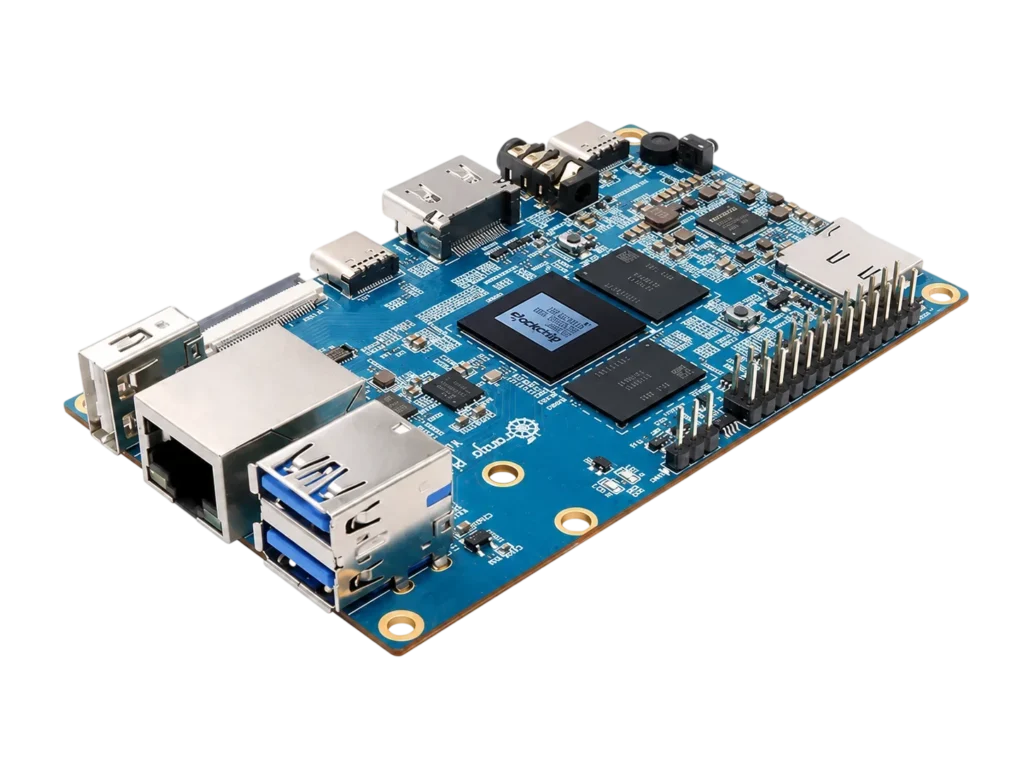
The catch is that Orange Pi 5 is powerful enough to make 4GB feel like the wrong saving. Run several containers, compile a large project, or build an AI pipeline, and memory can run out before the RK3588S runs out of compute. If 8GB costs only a little more, the cheapest configuration becomes difficult to defend.
Software is the other compromise. Linux and Android work, but GPU acceleration, NPU tools, vendor images, and kernel features still require more board-specific attention than Raspberry Pi OS. Our Rockchip RK3588 review explains why the chip remains excellent even when the experience around it varies.
Orange Pi 5 is not a bad 4GB RAM SBC. It is a board whose processor encourages you to buy more RAM.
KiwiPi 5 Pro makes 4GB look even stranger
KiwiPi 5 Pro uses the full RK3588, then surrounds it with PCIe 3.0 x4 for NVMe, dual 2.5GbE, four USB 3.0 ports, Wi-Fi 6, camera inputs, multiple display paths, and optional cellular expansion.
Pairing all of that with 4GB sounds unbalanced. Why buy a premium I/O platform, then save money on memory?
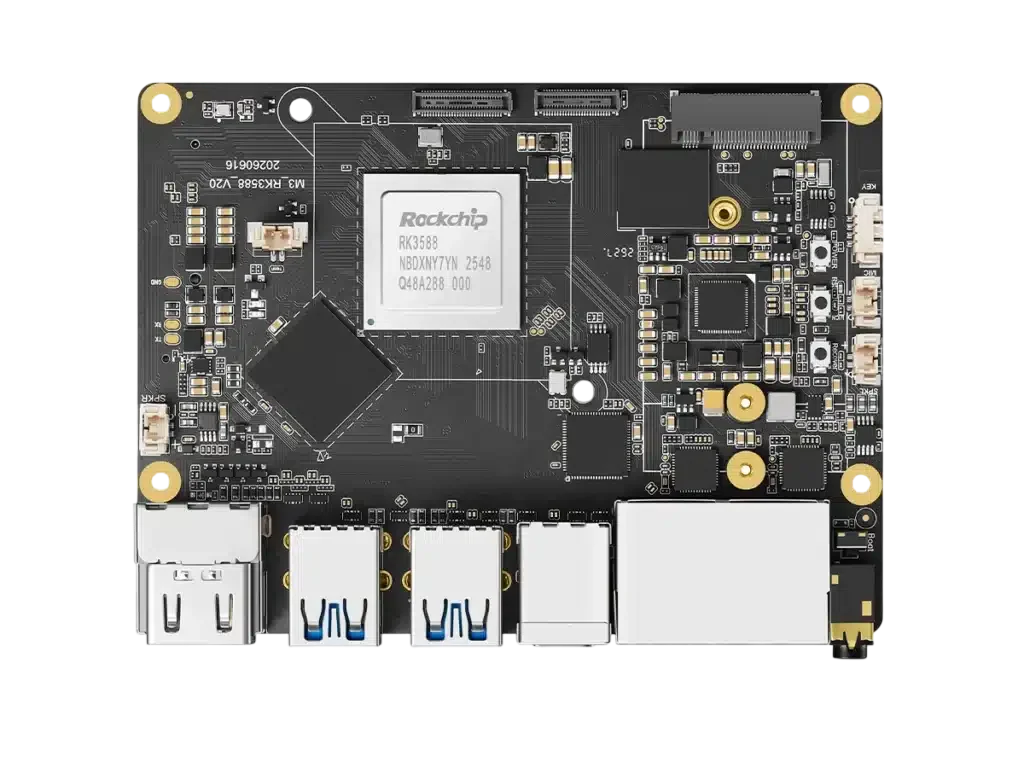
For a general desktop, it probably is unbalanced. For an edge gateway, NVR, controller, or camera appliance, it can make sense. A fixed service may never use more than 2GB, while dual 2.5GbE, NVMe, and cameras determine whether the product can exist. The RK3588 SBC hardware comparison shows why I/O matters between similar systems.
KiwiPi lists configurations from 4GB to 32GB, although standard retail listings may begin at 8GB. The 4GB option should therefore be confirmed when ordering. That is inconvenient for a one-off hobby purchase; for an OEM build with selected memory and eMMC capacity, configuration is part of the reason to consider it.
Fast NVMe also gives a limited-memory system somewhere sensible to place swap. It cannot replace RAM, but it can absorb an occasional peak. The storage tradeoff is covered in our guide to eMMC storage versus SSDs.
So, is 4GB still enough?
Yes – if the workload is known.
A headless server running Home Assistant, DNS filtering, a VPN, or a few lightweight containers may leave much of its memory unused. Digital signage, media playback, control systems, and embedded appliances often benefit more from reliable storage or networking than another 4GB of RAM.
A desktop is different. Browsers, graphical Linux environments, and development tools can consume the available memory quickly. Local LLMs, large databases, Kubernetes labs, and heavy container stacks are not sensible reasons to save on RAM.
This is the trap with 4GB SBCs: buyers choose the cheapest memory option, then select workloads because the processor looks powerful. It should happen in the opposite order.
Verdict
Raspberry Pi 5 is the best general recommendation. It is not the fastest or cheapest complete system, but its ecosystem makes it the easiest to justify.
Orange Pi 5 offers the best compute value. If the 8GB version is close in price, however, buying it with only 4GB leaves too much of the RK3588S unused.
KiwiPi 5 Pro is the specialist. Four gigabytes makes sense when dual 2.5GbE, PCIe 3.0 x4, cameras, and OEM configuration matter more than desktop multitasking.
None is universally best. But that is the point: RAM capacity tells you how much a board can hold, not what kind of computer it is.
FAQ
Is 4GB RAM enough for an SBC?
Yes, for lightweight Linux services, Home Assistant, Pi-hole, media playback, basic programming, and many embedded applications. Desktop multitasking, large databases, numerous containers, and local AI models benefit from 8GB or more.
Is a 4GB Raspberry Pi 5 worth buying?
It is a good choice when documentation, accessories, and Raspberry Pi OS matter more than maximum hardware performance. Calculate the complete cost, including cooling, power supply, case, and any NVMe adapter.
Is Orange Pi 5 faster than Raspberry Pi 5?
Orange Pi 5 provides more multicore, GPU, media, and AI hardware through the RK3588S. Raspberry Pi 5 has the more mature software and accessory ecosystem.
Does KiwiPi 5 Pro have a 4GB option?
KiwiPi materials list configurations beginning at 4GB, but standard retail options may start at 8GB. Confirm the required RAM and eMMC capacity when ordering.
Can a 4GB SBC run Docker?
Yes. Four gigabytes can support several lightweight containers, but databases, build systems, monitoring stacks, and multiple web applications can exhaust it quickly.